
Brand Consistency in AI Images: A Practical Playbook
Learn why AI visuals drift off-brand—and how to lock in consistent style with constraints, reference libraries, and review gates for faster campaigns.
1) Why generative images drift off-brand (and why it’s a creative-ops problem)
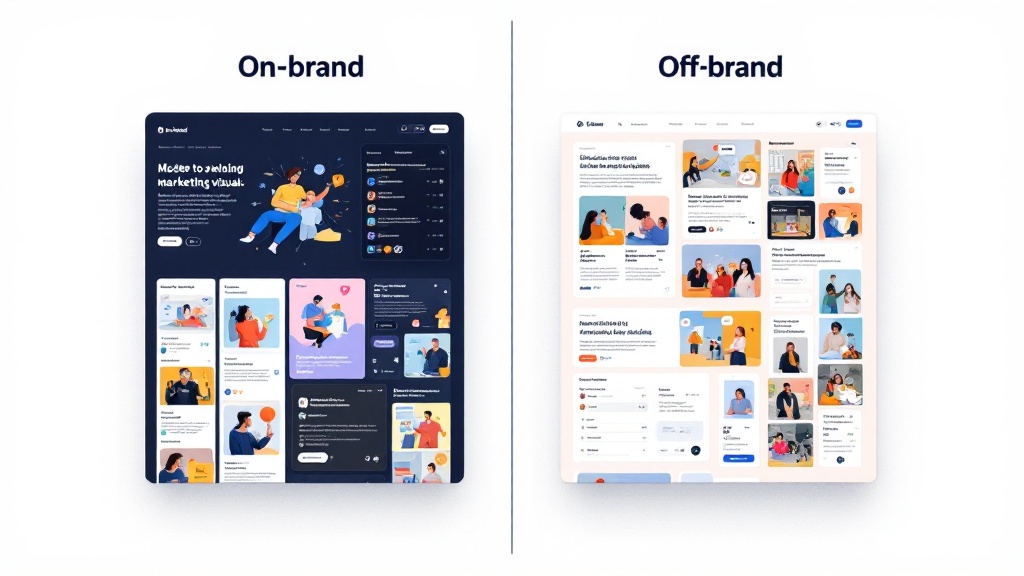
Generative-ai tools are optimized to be helpful, not faithful. If your prompt is ambiguous—“modern, premium, clean”—the model fills gaps with its own defaults: trendy color palettes, random lighting, or unfamiliar typography-like shapes. Add fast iteration pressure, and teams unintentionally create a “new brand” every week. That’s why brand-consistency failures usually aren’t a single bad prompt; they’re missing system-level constraints.
From a creative-ops perspective, the issue is variability without guardrails. Social media managers and e-commerce teams need dozens of images per campaign, often across sizes and placements. When each creator writes prompts from scratch, you get drift in composition, product scale, background complexity, and even perceived audience. This is where martech workflows matter: repeatable templates, shared references, and lightweight checks that keep output aligned while still moving quickly.
The goal isn’t to eliminate experimentation—it’s to standardize what “on-brand” means so experimentation happens inside the rails.
2) Build repeatable style constraints: translate brand guidelines into prompts, negatives, and templates
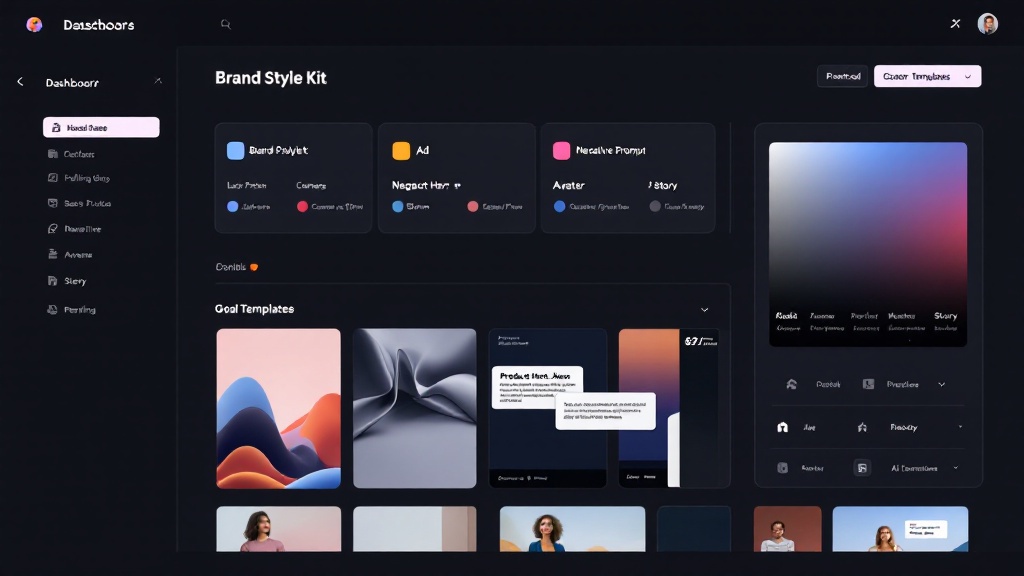
Start by turning your brand guidelines into operational inputs for prompting. Capture: primary and secondary colors (and what to avoid), lighting rules (soft daylight vs. dramatic studio), camera language (35mm lifestyle vs. flat lay), texture (matte vs. glossy), and “brand mood” adjectives backed by examples. Then encode them into a reusable base prompt plus style controls. In prompting, specificity beats poetry: define subject, setting, lens, lighting, and composition in that order.
Next, create negative prompts for common brand violations: “cluttered background,” “oversaturated,” “heavy contrast,” “cartoon,” “watermark,” “distorted hands,” “unreadable text,” or any competitor-adjacent cues. Negative prompts are a brand-consistency tool, not just a quality hack.
Finally, lock composition with templates: preset canvases for ad, product hero, avatar, and story formats that automatically enforce safe margins, subject placement, and whitespace. Tools like BrandFrame Studio lean into this: goal templates + prompt optimization + fast variations so teams can iterate quickly while staying visually coherent across channels.
3) Add reference libraries and review gates: a checklist for scalable brand consistency
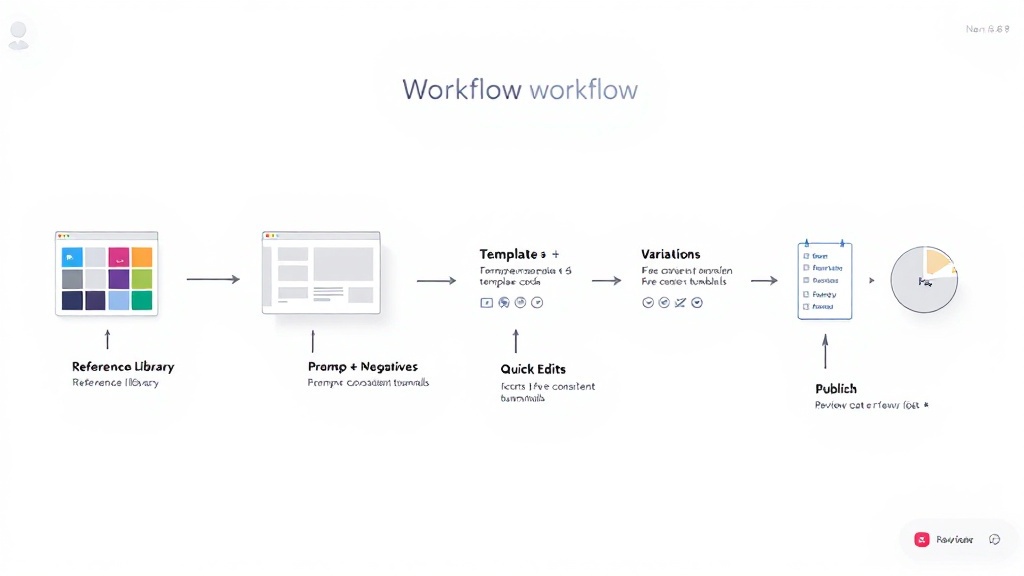
Consistency scales when you treat references as shared infrastructure. Build a small, curated reference library: 10–20 “gold standard” images per use case (ads, product shots, creator portraits), plus approved backgrounds, textures, and prop styles. Pair each reference set with a short note: what must stay constant (lighting, background simplicity, product scale) and what can vary (seasonal accents, model demographics). This lowers cognitive load and improves generative-ai outputs even before you refine prompting.
Then add review gates that match your production speed. A lightweight gate can be a two-minute checklist before publishing: (1) palette matches, (2) lighting matches, (3) composition fits the template, (4) no banned elements from negative prompts, (5) export sizes correct. For higher stakes (paid acquisition), add a second gate: stakeholder approval inside shareable projects and version history.
Practical playbook checklist: Base prompt, negative prompt, style references, template selection, variation count, quick edits (remove background/crop/upscale), final QA gate. This is creative-ops discipline applied to martech—fast enough for campaigns, strict enough for brand-consistency.